Retail POS Buying Guide: Questions to Ask Before Choosing
Choosing retail POS software? Use these nine practical questions to compare checkout, inventory, payments, offline billing, reports and long-term costs before buying.
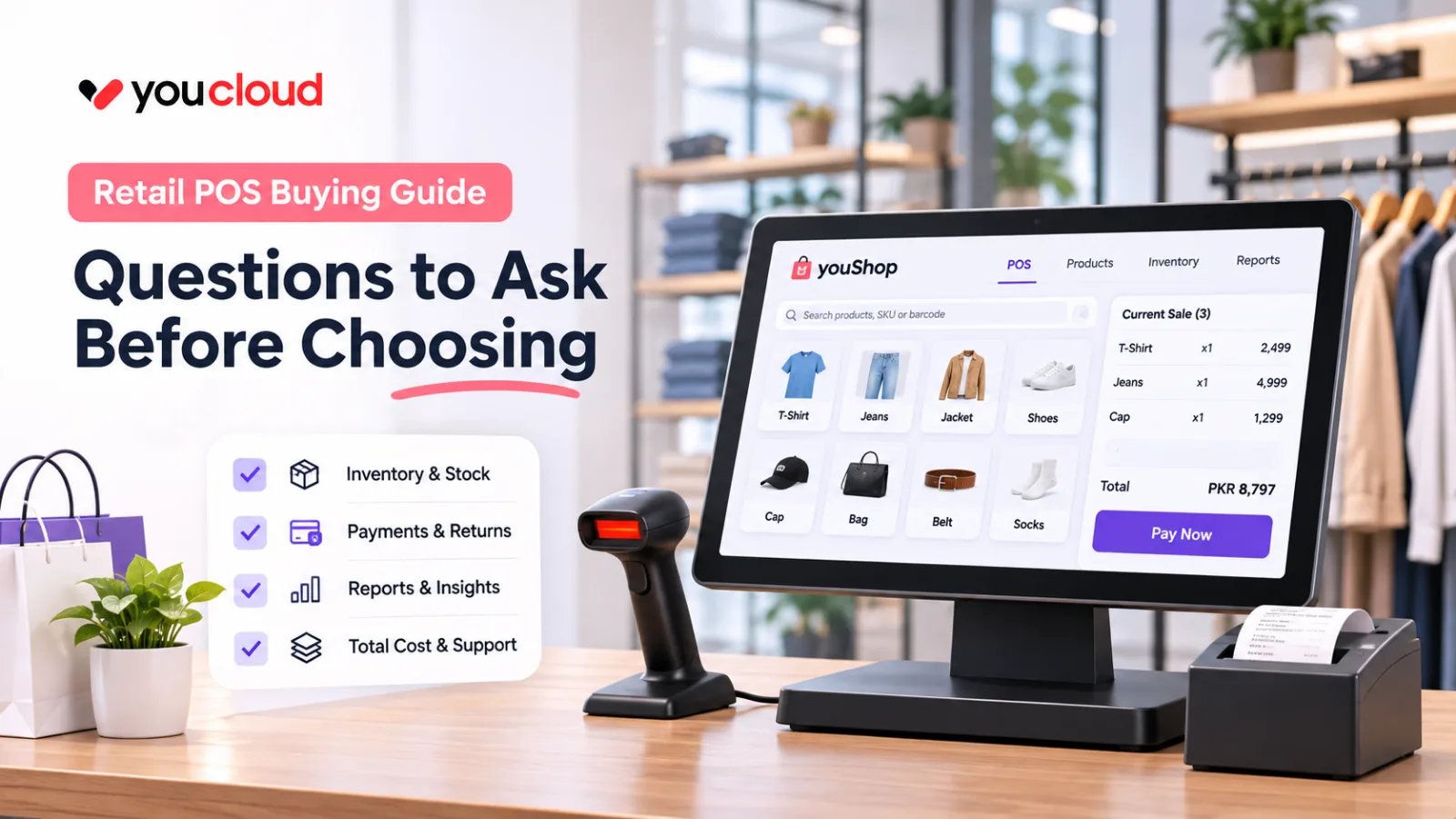
Buying retail POS software is not just about replacing your checkout screen. The wrong system can slow down busy hours, create stock errors and leave managers chasing reports. The right one should make sales easier, keep inventory accurate and give you better control over daily operations.
Before you commit to a provider, ask these nine questions. More importantly, ask for a live demonstration instead of relying on a feature list.
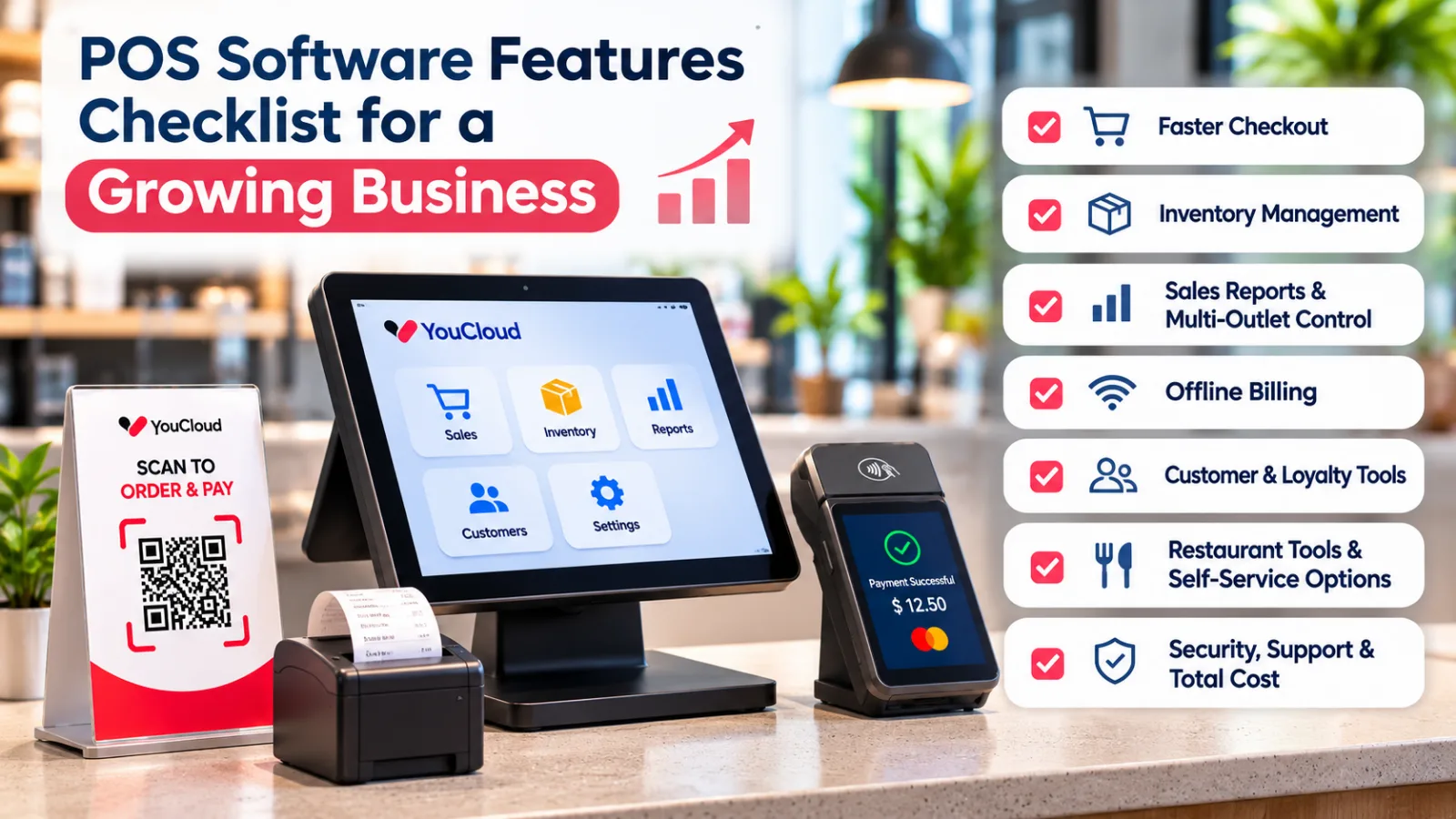
9 Questions to Ask Before Buying Retail POS Software
1. Can Your Staff Complete Sales Without Delays?
A checkout system should make busy hours easier, not harder.
Ask the provider to demonstrate a normal sale with multiple products, a discount and different payment options. Watch how many steps the cashier needs to complete the transaction.
If staff must switch between screens or enter the same information twice, those small delays can add up during peak hours.
What to check: Can a new cashier learn the main checkout tasks quickly?
2. Does Inventory Update Automatically After Every Sale?
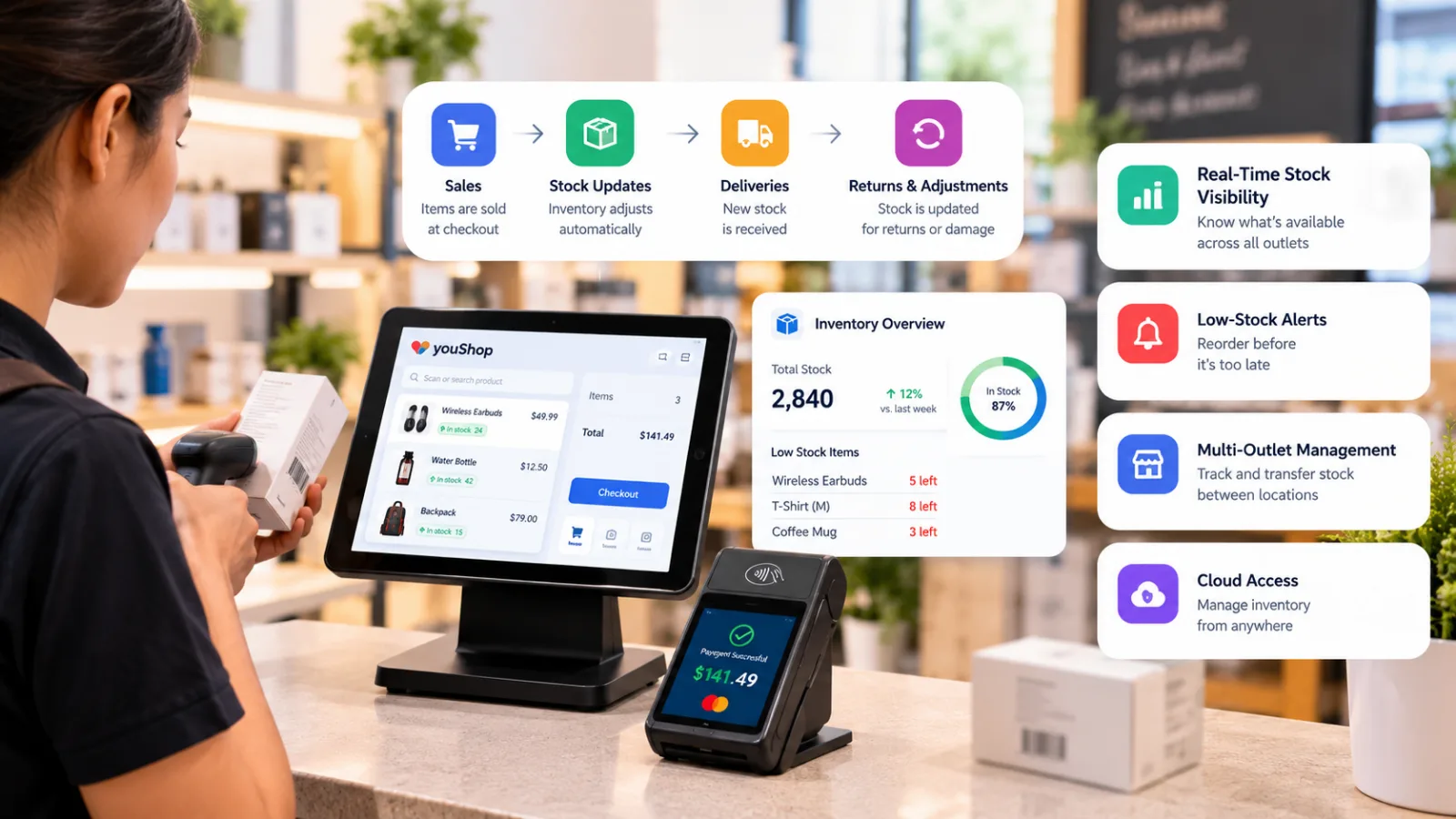
Imagine your store has 25 units of a popular product. Five customers buy one each, but your stock report still shows 25.
That gap can lead to overselling and unnecessary purchases.
A connected retail POS system should update available stock when sales are recorded. It should also help your team manage new deliveries, damaged products and manual adjustments.
youShop connects retail billing with inventory tracking, helping store owners keep sales and stock records aligned.
What to check: Complete a test sale and confirm that the inventory count changes.
3. How Does the System Handle Returns and Exchanges?
Returns are part of retail. However, a poorly managed return can leave your stock figures incorrect.
Ask what happens when a customer returns an item. Can staff issue the appropriate refund, exchange the product and update inventory without repeating the transaction?
Also, check whether damaged returns can be kept separate from products available for resale.
What to check: Ask the vendor to demonstrate a return, an exchange and a damaged item.
4. What Happens When the Internet Stops Working?
Internet problems should not automatically stop your entire checkout process.
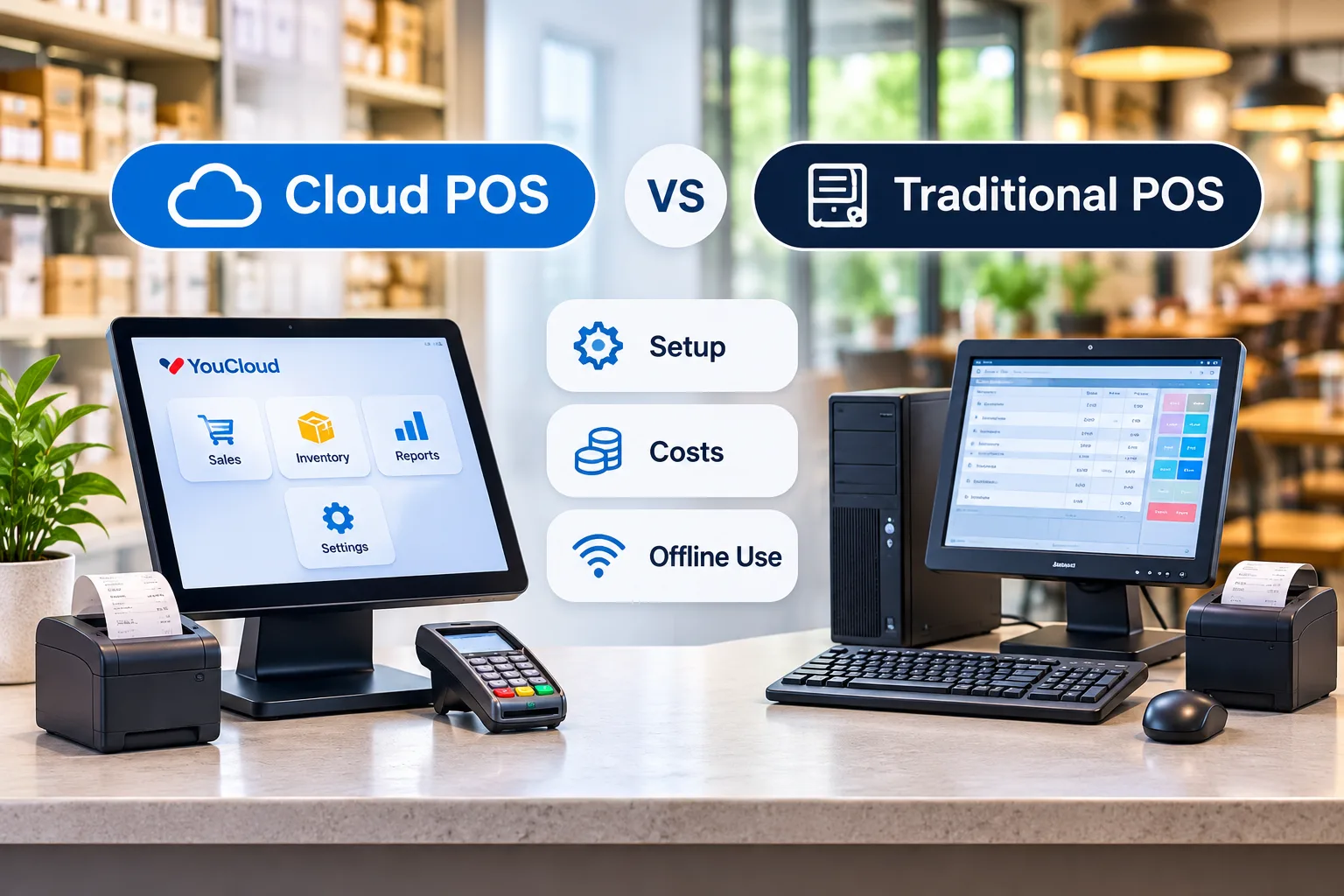
Some systems support offline billing and sync transactions when the connection returns. However, offline billing is not the same as offline card payment processing.
youShop supports offline billing with later syncing. Before choosing any provider, confirm which functions remain available without internet access.
What to check: Ask for an offline sales demonstration and verify the updated records after reconnection.
5. Which Payment Methods Can Your Store Accept?
Customers may prefer cash, cards or QR-based payments. Your system should support the payment options that matter in your market.
Do not assume every advertised payment method works in every country.
Ask whether payment records connect with your sales reports. Also, check how refunds, failed transactions and end-of-day reconciliation are handled.
What to check: Request a list of supported payment methods, integrations and transaction charges for your location.
6. Can You Manage Multiple Stores From One Place?
A system that works for one store may become difficult to manage when you open another.
For example, one branch might run out of a popular product while another has excess stock. Without clear visibility, your team may place a new supplier order when a stock transfer would solve the problem.
youShop offers multi-store reporting, stock transfers and central management tools.
What to check: Ask the provider to show inventory for two outlets and demonstrate a stock transfer between them.
7. Will the Reports Help You Make Better Decisions?
A sales total is useful, but it does not tell the whole story.
Store owners also need to know which products sell quickly, which items move slowly and which locations need attention.
Look for reports that help you answer practical questions:
- Which products should we reorder?
- What is selling best at each outlet?
- Where is stock sitting for too long?
- How are sales changing over time?
What to check: Ask the vendor to generate a real sales and inventory report during the demo.
8. What Is the Total Cost, Not Just the Monthly Fee?
A low subscription price can look attractive until extra charges appear.
Before comparing providers, request a complete cost breakdown. Include software plans, hardware, payment fees, installation, staff training, integrations and ongoing support.
Also, ask whether important features such as inventory reports or multi-store management require a higher plan.
Compare the total cost over three years rather than choosing the cheapest monthly option.
You can review YouCloud's pricing options as a starting point.
What to check: Get a written quote covering setup, recurring charges and any additional fees.
9. What Support Will You Receive After Launch?
Even good software can become a problem when your team cannot get help.
Ask how onboarding works, whether staff training is included and how technical issues are handled.
Support availability matters especially during weekends, busy shopping periods and store openings.
It is also worth asking how you can export your business data if you decide to change providers later.
What to check: Confirm support hours, response channels, training and data export options before signing.
A Simple Test Before You Make Your Decision
Instead of sitting through a polished sales presentation, ask each shortlisted provider to demonstrate the same real-world tasks.
Start with a sale. Then process a return, receive new stock, check a low-stock alert and generate a report. If you have multiple stores, include a stock transfer.
Finally, ask the provider to explain what happens during an internet outage.
This approach helps you compare how systems actually work, not just what their brochures promise.
Choose Retail POS Software That Fits Your Business
The best retail POS software is not necessarily the one with the longest feature list. It is the one that helps your staff work faster, reduces stock mistakes and gives you reliable information as your business grows.
For retail businesses, YouCloud's youShop brings billing, inventory tracking, low-stock alerts and multi-outlet visibility into one connected solution. Available features may depend on your plan and setup.
Ready to compare your options? Explore youShop and request a demo using the products and workflows from your own store.