POS Software Features Checklist for a Growing Business
Not all POS software features are worth paying for. Use this practical checklist to find the tools that help your business manage sales, stock, staff and growth.
The right POS software features can save your team hours of work each week. But as your business grows, a basic checkout system may no longer be enough.
More products, more staff, and more outlets bring new challenges. You need to track stock, manage payments, and see what is happening across your business.
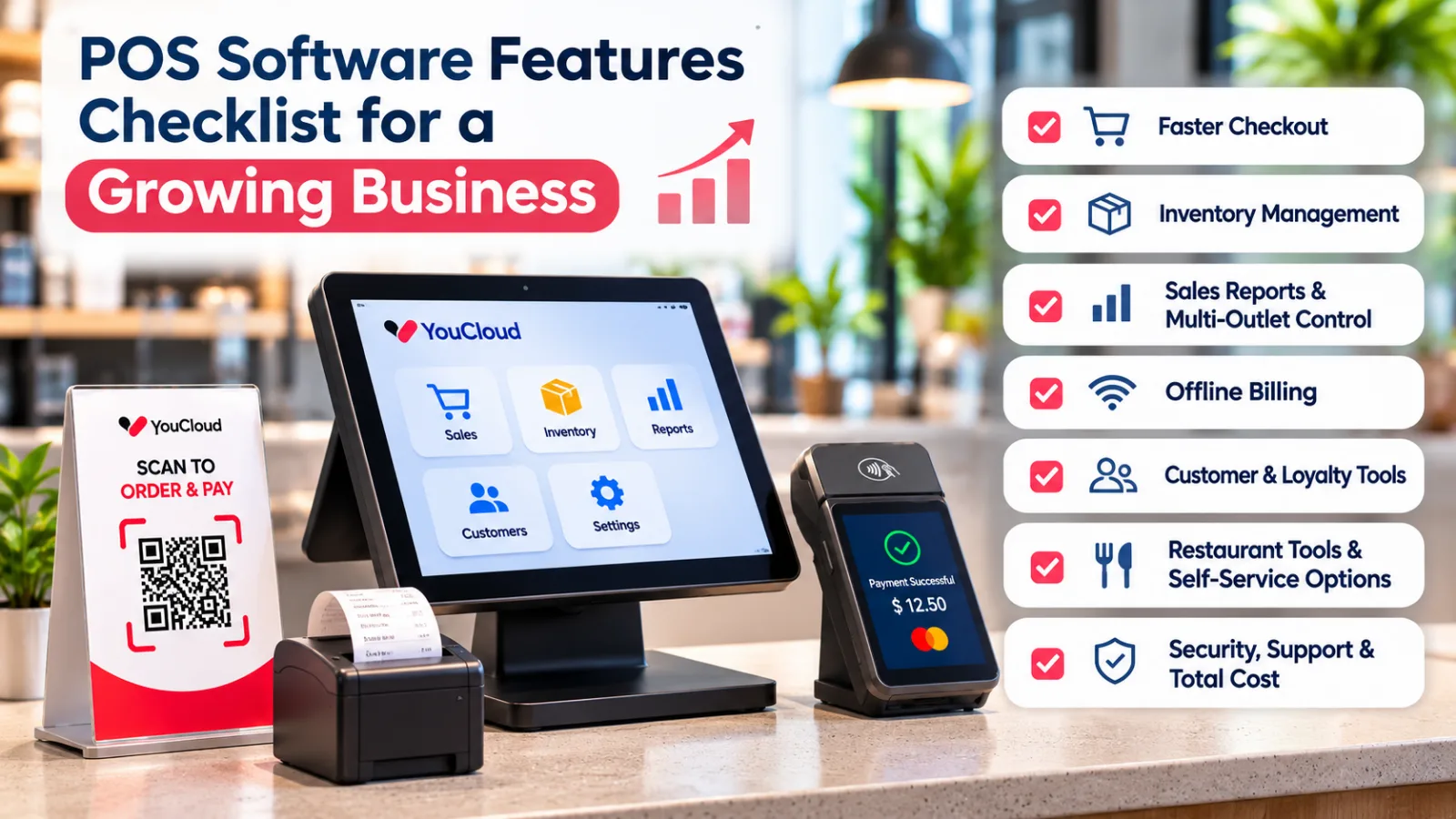
So, before you choose or upgrade your POS, check these seven features.
1. POS Software Features for Faster Checkout
A slow checkout can lead to long queues and unhappy customers. Your POS should help staff complete sales quickly, even during busy hours.
Look for these features:
- Fast product search and barcode scanning
- Discounts, refunds, and split payments
- Multiple payment methods
- Clear receipts and tax settings
- Easy access for new staff
Also, check how your POS connects with payment tools.
For example, youPay supports payment options such as cards, QR payments, and Pay-by-Link, depending on the market and setup.
What to test: Ask the provider to show a sale, refund, and payment during a live demo.
2. Inventory Management That Reduces Manual Work
Stock problems become harder to manage as your business grows.
If your team still updates stock in a spreadsheet, mistakes can happen. You may run out of popular items or order products you already have.
Good POS software should update stock after each sale.
It should also help you:
- Track stock levels and product sales
- Get alerts when items run low
- Record stock received from suppliers
- Move stock between outlets
- Find products that sell slowly
For retail businesses, youShop connects billing with inventory. It offers stock updates, low-stock alerts, and reports that help owners plan purchases.
What to test: Sell one item and check whether the stock count changes.
3. Sales Reports and Multi-Outlet Control
One store is easy to monitor. Several stores need better tools.
As you expand, you should not have to call every manager to ask about daily sales.
Look for a POS that gives you a clear view of:
- Sales by day, product, and outlet
- Best-selling and slow-moving items
- Stock levels across locations
- Staff activity and access rights
- Sales trends over time
Cloud-based reports can help you make decisions without waiting for end-of-day updates.
Also, check whether you can change prices and manage stock across branches from one place.
What to test: Ask the provider to show sales from two outlets on one dashboard.
4. Offline Billing When the Internet Fails
Internet problems should not stop your team from serving customers.
Some POS systems let staff create bills or take orders while offline. They then sync the data when the connection returns.
However, not every offline feature works the same way.
Before buying, ask whether your system can save sales, print receipts, and restore records after an outage.
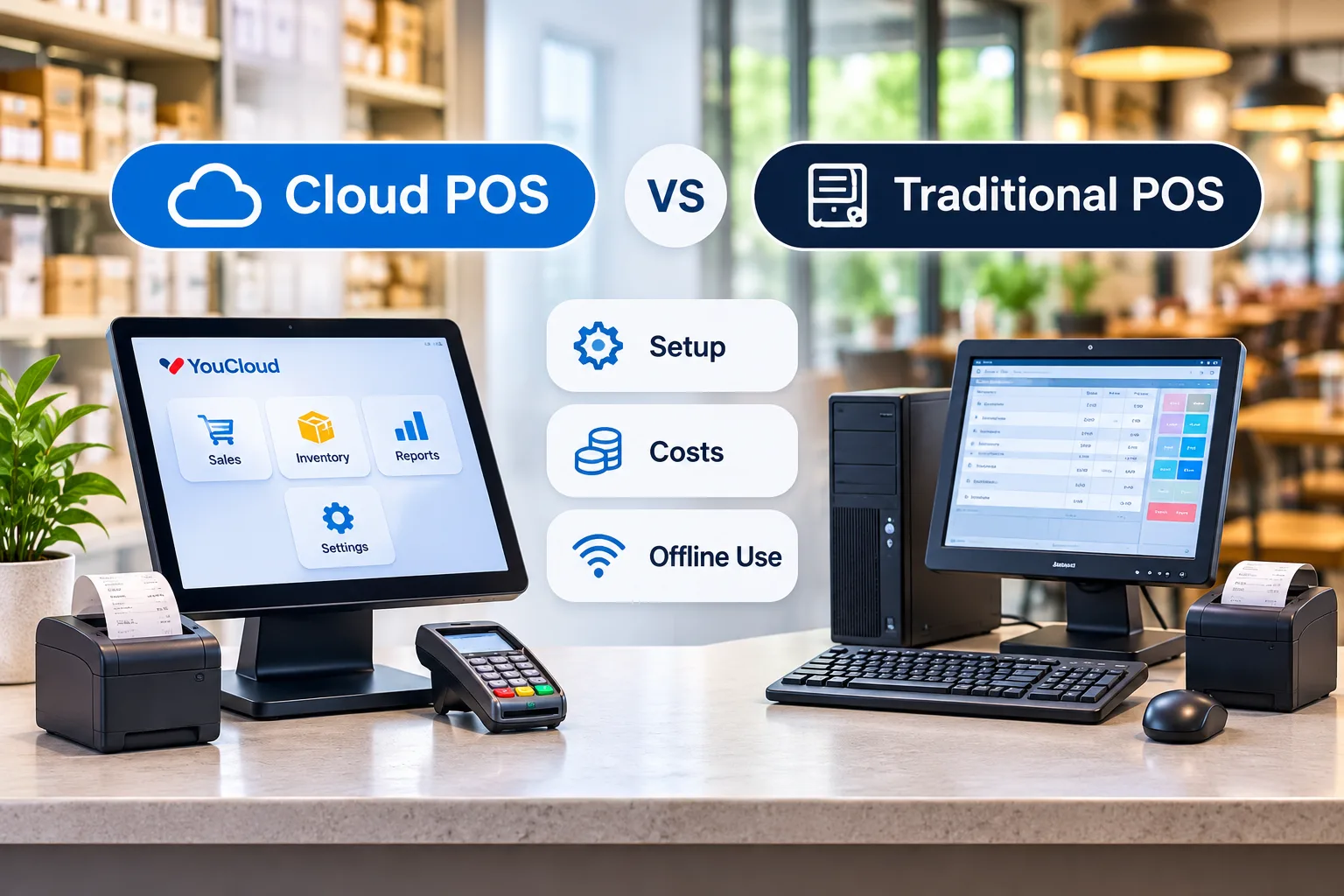
Also, remember that offline billing does not always mean offline card payments. Payment approval may still need a network connection.
Both youShop and youResto offer offline workflows with later data sync.
What to test: Disconnect the internet during a demo. Make a sale and check the records after reconnecting.
5. Customer Management and Loyalty Tools
Getting new customers matters. Keeping existing customers matters just as much.
A POS with customer management tools can help you understand buying habits and encourage repeat visits.
Useful features include customer purchase records, loyalty points, and targeted offers.
For example, youShop supports customer records, loyalty tools, and WhatsApp offers.
However, not every business needs advanced loyalty features on day one. Start with the tools your customers will use.
What to test: Create a customer profile and check how a repeat purchase appears.
6. Restaurant Tools and Self-Service Options
A growing restaurant needs more than fast billing.
Orders must reach the kitchen without delay. Staff also need to know when a menu item is no longer available.
If you run a restaurant, check for:
- Kitchen display system (KDS)
- Table and takeaway order management
- Menu updates
- Delivery platform connections
- Reports across outlets
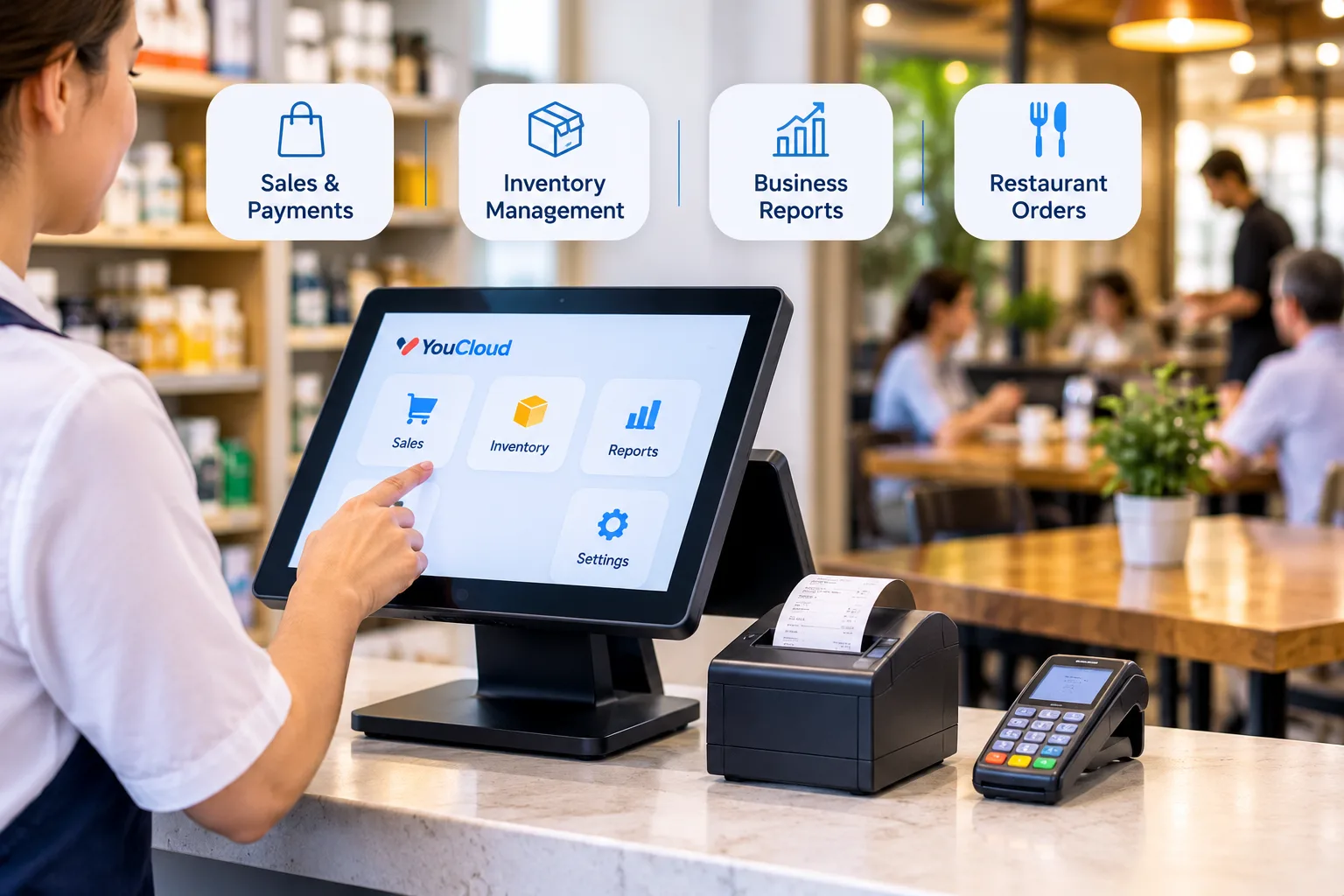
YouCloud's youResto connects order taking with kitchen workflows. It also supports menu availability updates and central reporting.
For busy counters, a self-service kiosk may also help. Customers can browse items and place orders without waiting for a cashier.
YouCloud's y7000 kiosk offers a touchscreen checkout option. However, check whether it fits your space, customer needs, and payment setup.
What to test: Place an order and follow it from checkout to the kitchen.
7. Security, Support, and Total Cost
The cheapest POS plan may not offer the best value.
Before signing up, check the full cost of software, hardware, payment fees, support, and extra outlets.
Also, ask how the provider handles software updates, staff access, and payment security.
The PCI Security Standards Council offers guidance on keeping customer payment data safe.
Finally, check what happens when something goes wrong. Can your team reach support during business hours? Is training included?
You can also review YouCloud's pricing and plans to compare available options.
What to test: Ask for a full three-year cost estimate, including the features you plan to add.
Your Final POS Software Features Checklist
Before choosing a system, make sure it can:
- Process sales and payments without slowing staff down.
- Update inventory after each sale.
- Show reports across your business.
- Support your plans for more outlets.
- Keep essential work running during internet problems.
- Connect customer, restaurant, or self-service tools when needed.
- Offer clear pricing, security, and support.
You do not need every feature from the start. Instead, choose a system that solves today's problems and supports tomorrow's growth.
Find the Right POS Setup with YouCloud
YouCloud offers connected tools for different business needs.
youShop helps retailers manage billing, stock, customers, and sales. youResto supports restaurant orders, kitchen workflows, and outlet management.
Businesses can also explore youPay for payment options and self-service kiosks for customer-led checkout.
Available features depend on your plan, hardware, and market.
Ready to see which tools your business needs? Explore YouCloud's POS solutions and request a demo. Ask the team to show your real sales workflow, stock updates, and multi-outlet reports before you decide.