Cloud POS vs Traditional POS: Setup, Costs and Offline Use
Is a cloud POS worth switching to? Compare setup time, long-term costs, offline performance and daily business control before choosing a system for your shop or restaurant.
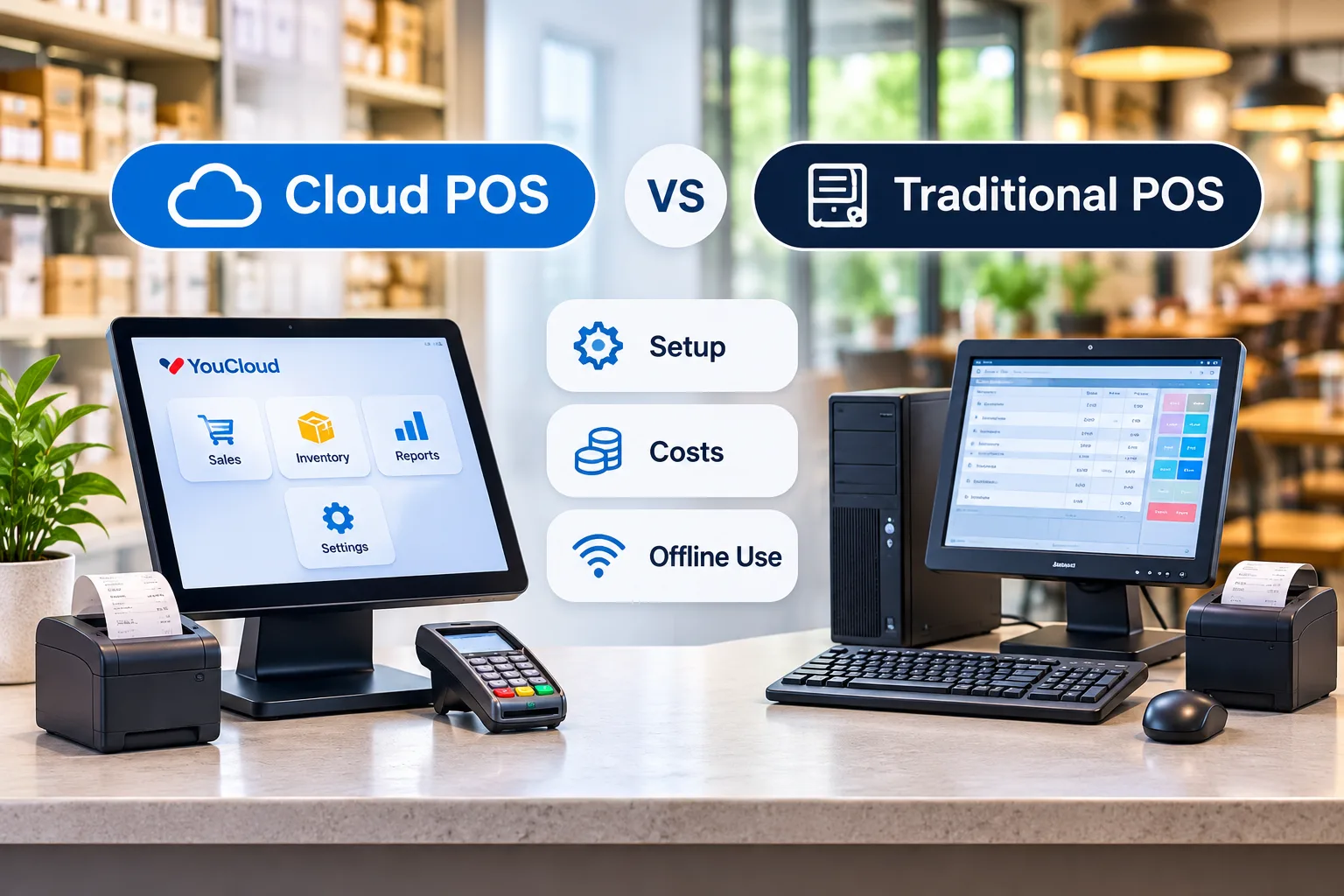
A cloud POS can make daily work easier. But is it a better fit than a traditional POS for your shop or restaurant?
The answer depends on three things: setup, total cost, and what happens when the internet goes down. If you run more than one outlet, you also need a clear view of sales and stock.
Here is how to compare both systems before you spend money.
1. Cloud POS Setup: How Fast Can You Start?
A traditional POS often runs on a shop computer or local server. You may need extra hardware, software setup, and on-site help.
A cloud POS runs through an online service. It can be easier to set up on supported devices. You can also add users or new outlets without building a new local system each time.
Still, no POS is ready to use straight out of the box.
You need to add items, set tax rules, connect printers, give staff access, and test payments.
What to ask: Can the provider show you a full setup, from adding one item to making the first sale? Then ask them to add a second counter or outlet.
2. Cloud POS Costs: What Will You Pay Over Three Years?
A traditional POS may cost more at the start. You might pay for computers, licences, setup, and local support.
Cloud systems often have a monthly or yearly fee. The first bill may be lower, but costs can rise as you add staff, outlets, or features.
Neither choice is always cheaper.
CostTraditional POSCloud POSSetupOften higherOften lowerSoftwareLicence or support feeUsually a regular plan feeUpdatesMay need manual workOften done for youNew outletsMay need new local setupOften added to your planExtra toolsMay cost moreMay cost more
Do this before you buy: Add up three years of software, hardware, setup, support, and payment fees.
Also ask what your plan includes. Do stock reports, loyalty tools, or kitchen screens cost extra?
The best deal is the one that saves work, not just money on day one.
3. Offline Use: Can You Keep Selling Without Internet?
This is where many buyers get stuck.
A traditional POS may keep working when the internet fails, as long as its local setup is still running.
Some cloud POS systems also let staff make bills or take orders offline. They save the data and send it to the cloud when the connection returns.
But offline billing and offline card payments are not the same thing.
A card reader may need internet to approve a payment. Some payment tools can store a payment for later, but that can bring a risk of failed charges. The Federal Reserve's guide to offline payments explains why this matters.
Ask your provider to turn off the internet during a demo. Check whether you can:
- Make a sale or take an order.
- Print a bill.
- See the sale after the connection comes back.
- Take a card payment, if your payment setup allows it.
Don't buy based on the words "offline mode" alone. Test it.
4. Daily Control: Can You Manage More Than One Outlet?
One shop is easy to watch. Five shops are not.
You need to know what sold, what is low in stock, and which outlet needs help. With some older local systems, staff may need to send reports by hand.
A connected system can bring sales and stock data into one view. That can help you spot gaps faster and spend less time chasing updates.
For a shop, this may mean better stock control. For a restaurant, it may mean faster order flow from the counter to the kitchen.
Ask for a demo using two outlets. See how price changes, stock moves, and daily reports work.
5. How YouCloud Helps Shops and Restaurants
YouCloud connects the sale with the work that comes after it.
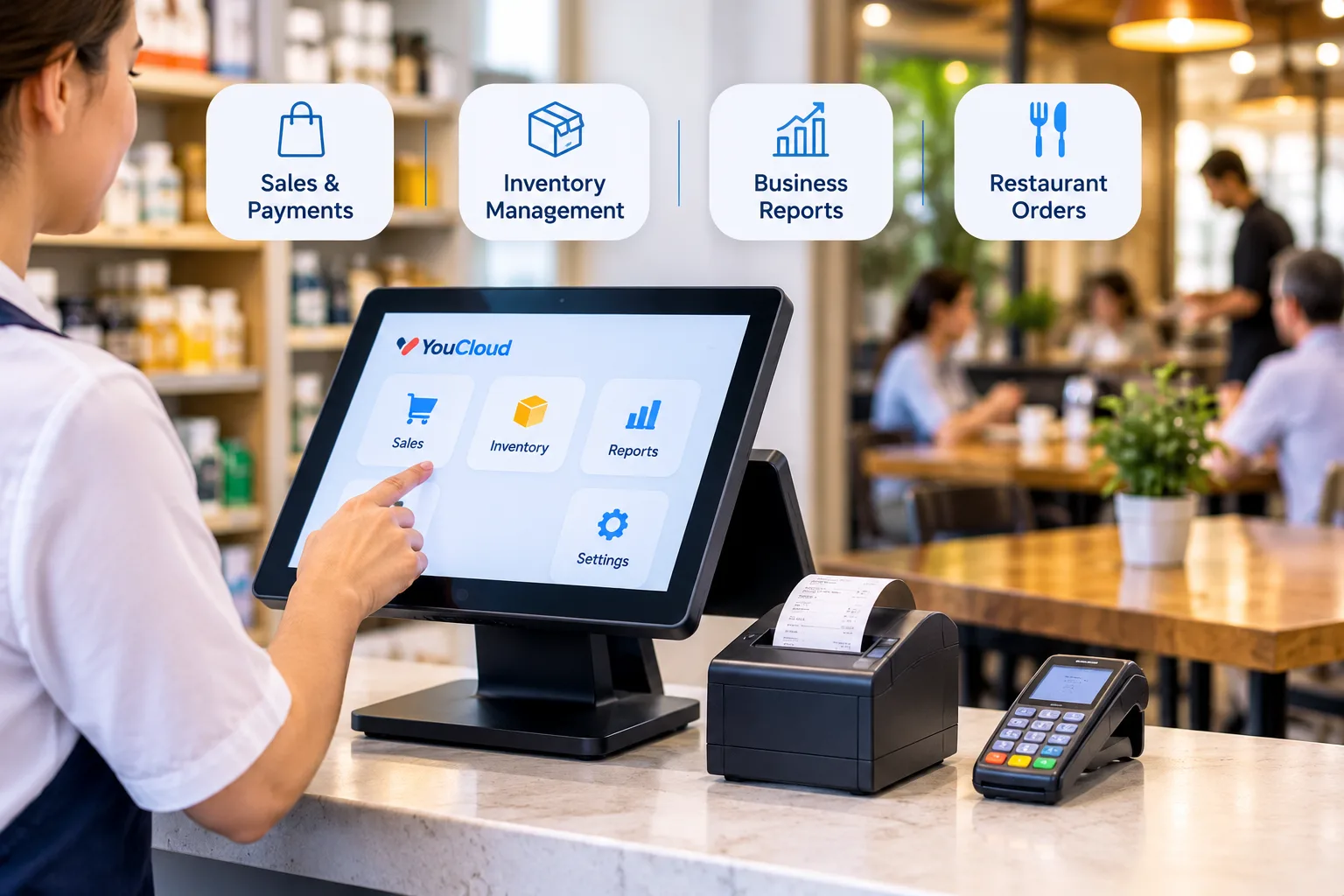
youShop helps retail teams manage bills, stock, and customer records. Stock can update after each sale. Teams can get low-stock alerts, check reports across outlets, and keep billing offline with later sync.
youResto helps restaurants move orders from the front counter to the kitchen. It supports kitchen screens, menu updates, outlet reports, and offline order taking with later sync.
You can also ask about youPay for payment options and self-service kiosks for customer-led orders or checkout.
Features can vary by plan, device, and market. Ask the YouCloud team to show the tools you need in a live demo.
Which POS Is Right for Your Business?
A traditional POS may suit a single shop with a stable setup and few changes.
A cloud-based option may be a better fit if you plan to grow, need reports from more than one outlet, or want to cut down on manual work.
Before you choose, check three things: how fast it is to set up, what it will cost over time, and what still works offline.
Want to see how YouCloud fits your business? Explore YouCloud's POS solutions and book a demo of youShop or youResto. Ask to see a real sale, an internet outage test, and the full cost for your setup.