Retail Inventory Management: Methods, KPIs and Mistakes
Learn how to manage retail inventory with practical tracking methods, useful KPIs and simple ways to prevent stockouts, overbuying and costly stock errors.
A shopper asks for an item your store says is in stock. Your team checks the shelf, but it is not there. This is a common retail inventory management problem.
Meanwhile, slow stock sits in the back room. Both issues hurt sales and tie up cash. As a result, your store may lose money even when sales look good.
Good stock control helps you buy what you need. It also helps you spot gaps early. So, let's look at four stock methods, five key numbers and six mistakes to avoid.
Four Simple Ways to Manage Store Stock
1. Track Stock After Each Sale
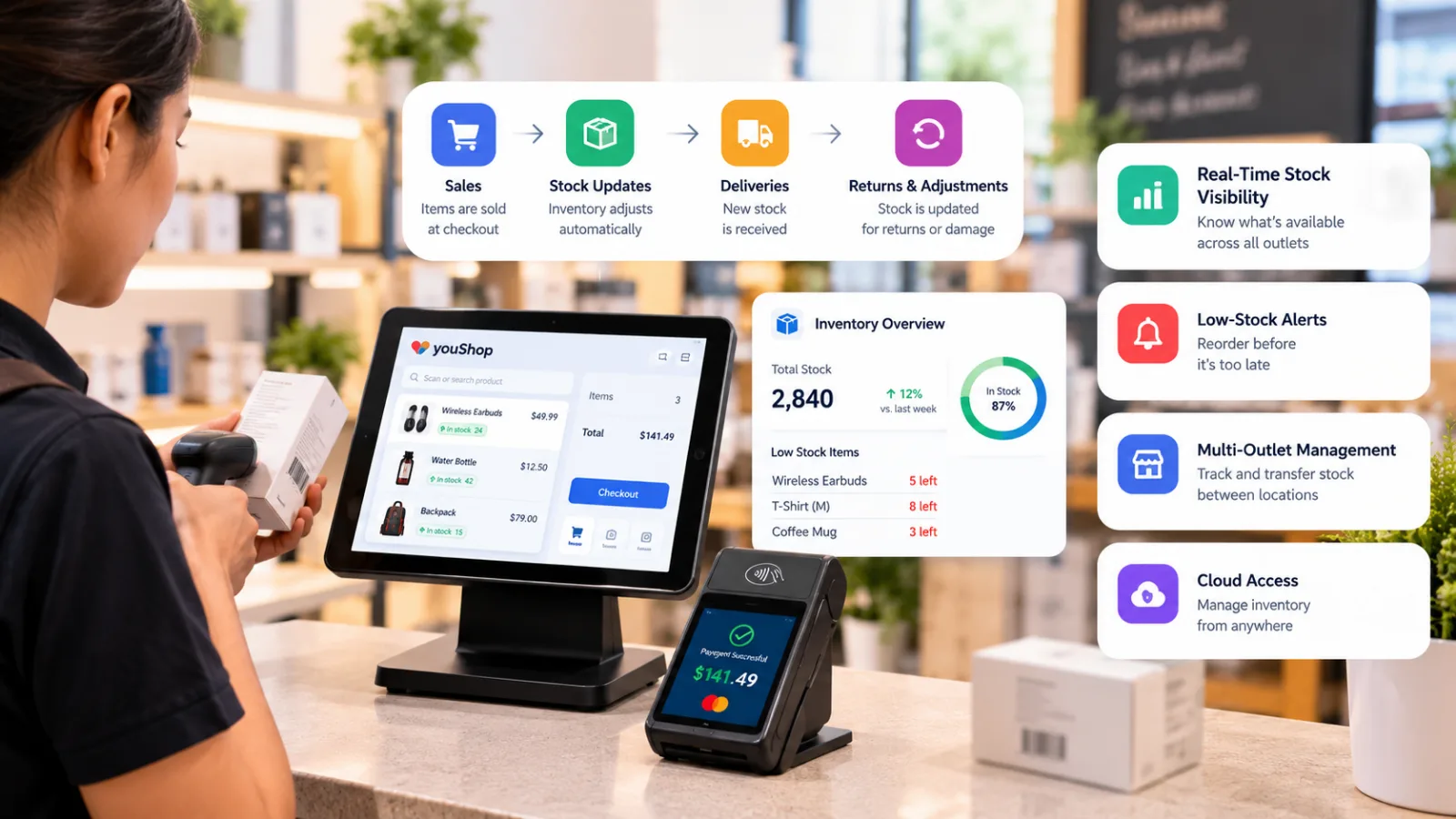
A live stock system updates the count when you sell an item. It also logs new stock, returns and moves between stores. As a result, your team can see what is on hand.
However, the count is only as good as the data. Log each stock change. Also, record broken goods and items sent back to a vendor.
2. Count Small Groups Often
You do not need to count the whole shop each week. Instead, count a small group of items each day or week.
Start with top sellers and costly goods. Then, compare the shelf count with the system.
If the numbers do not match, find the cause. Check sales, returns and new stock. This way, you fix the issue rather than just changing the count.
3. Use ABC Inventory Analysis
ABC inventory analysis helps you plan stock checks by value.
- A items: High-value goods. Check them often.
- B items: Mid-value goods. Check them on a set plan.
- C items: Low-value goods. Check them less often.
For example, a costly item that sells fast may need daily checks. A low-cost item may need only a weekly count.
Also, these groups can change as sales rise or fall. Review them every few months.
4. Set a Reorder Point
The reorder point formula helps you know when to buy more.
Reorder point = Daily sales × Days to get new stock + Safety stock
For example, say you sell four packs a day. New stock takes seven days to arrive. You also keep ten packs as a backup.
In this case, place a new order when stock falls to 38 packs.
However, demand can change. So, keep more backup stock for busy seasons or slow deliveries.
Five Retail Inventory Management KPIs to Track
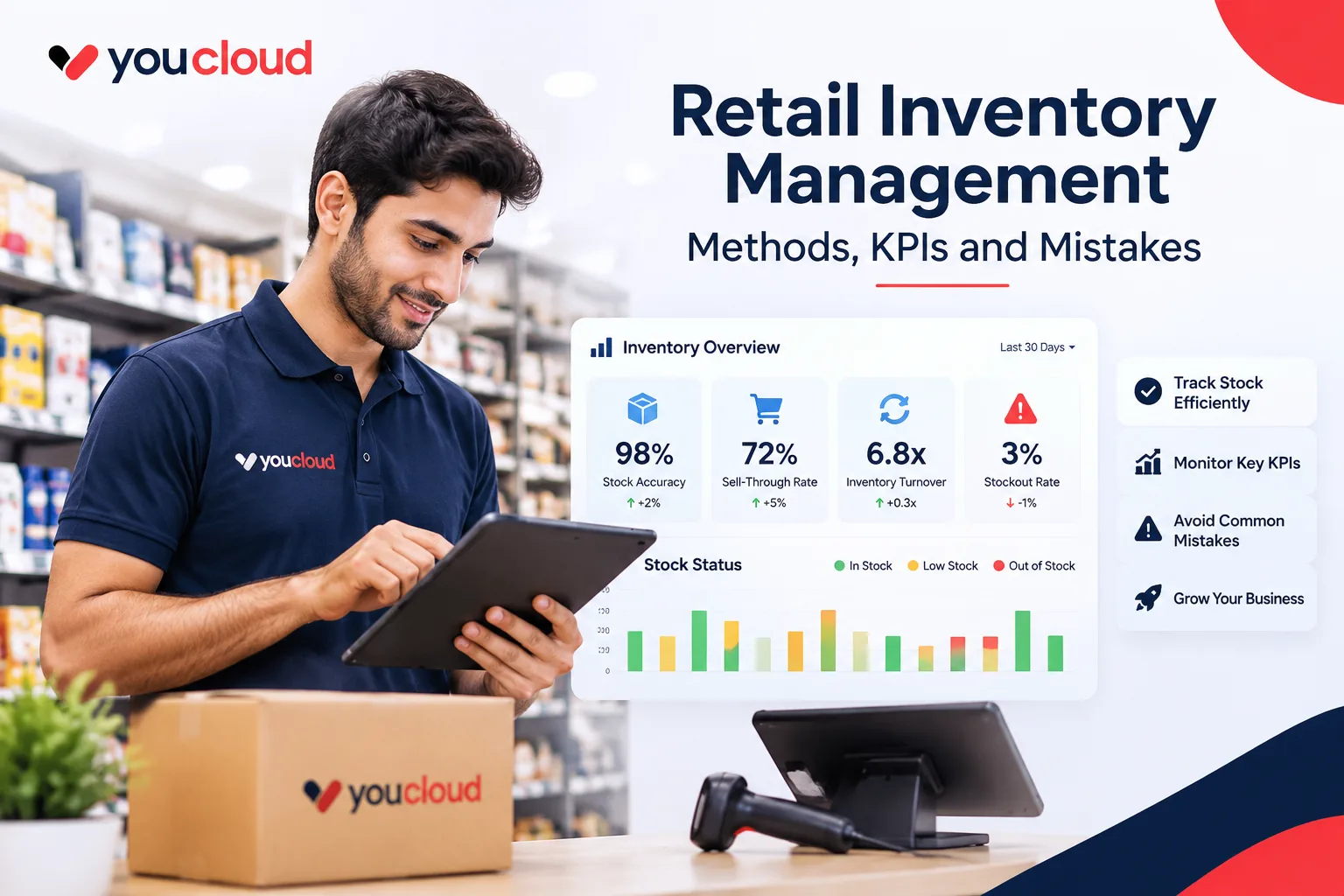
You do not need a long report to spot stock issues. Instead, start with these five inventory management KPIs.
1. Stock Count Accuracy
Stock accuracy = Correct SKU counts ÷ Total SKU counts checked × 100
This shows how often your stock records match what is on the shelf.
For example, wrong counts may come from missed returns or lost goods. So, check how stock comes in and goes out.
2. Sell-Through Rate
Sell-through rate = Units sold ÷ Units available for sale in the same period × 100
A low sell through rate may mean you bought too much. However, it may also mean shoppers cannot find the item.
Before you order more, check demand and product placement.
3. Inventory Turnover Ratio
Inventory turnover ratio = Cost of goods sold ÷ Average stock value
This shows how fast you sell and replace stock.
In general, a higher rate means goods move faster. However, a very high rate may also mean you run out too soon.
Use cost, not the sale price, in both parts of the formula.
For more detail, read Investopedia's guide to inventory turnover.
4. Days of Stock on Hand
Days on hand = Average stock value ÷ Cost of goods sold × Days in period
This gives a rough view of how long your stock may last.
Next, compare that number with the time your vendor needs to send more goods. If delivery takes too long, you may need to order sooner.
5. Stockout Rate
Stockout rate = Out-of-stock active SKUs ÷ All active SKUs × 100
Check this at the same time each day.
Also, note when a shopper asks for an item you do not have. A gap in a top seller can hurt more than many slow items.
Six Stock Mistakes to Avoid
1. Guessing what to buy. One busy day does not prove demand will stay high. Instead, use past sales and peak dates to plan orders.
2. Skipping checks when goods arrive. Count each box and match it to the order. This helps you catch missing stock early.
3. Selling goods that should be held back. Check returns for faults. Then, keep broken goods out of stock for sale.
4. Counting stock once a year. Small errors can grow over time. So, count a few product groups each week.
5. Losing track of store moves. Log each move at both stores. Otherwise, stock may go missing from your records.
6. Looking at sales but not profit. A top seller may earn very little. Therefore, check margins before you buy more.
A 30-Day Stock Plan
Use these retail inventory management best practices to start small.
- Clean product data (Days 1–7): First, fix item names, barcodes and SKUs.
- Review stock records (Days 8–14): Next, check how your team logs sales, returns and store moves.
- Set reorder points (Days 15–21): Then, count top sellers and plan when to buy more stock.
- Check your results (Days 22–30): Finally, review stock gaps, slow goods and count errors. Pick three fixes for next month.
After that, review the same numbers each month. Keep the plan simple so your team can use it every day.
Link Sales and Stock With youShop
When sales and stock use two tools, your team has more work. For example, staff may need to fix counts by hand. This takes time and can lead to errors.
youShop retail POS software helps you track stock as sales take place. It can also show low-stock alerts and reports across stores. However, tools may vary by plan.
The goal is not to fill your stockroom. Instead, keep the right goods on hand at the right time.
Explore youShop to see how it can help your team manage stock and daily sales.