Restaurant Ordering Systems: Tables, QR, Kiosks and Delivery
Discover how restaurants can connect table orders, QR menus, self-service kiosks and delivery through one system to reduce order errors and improve daily service.
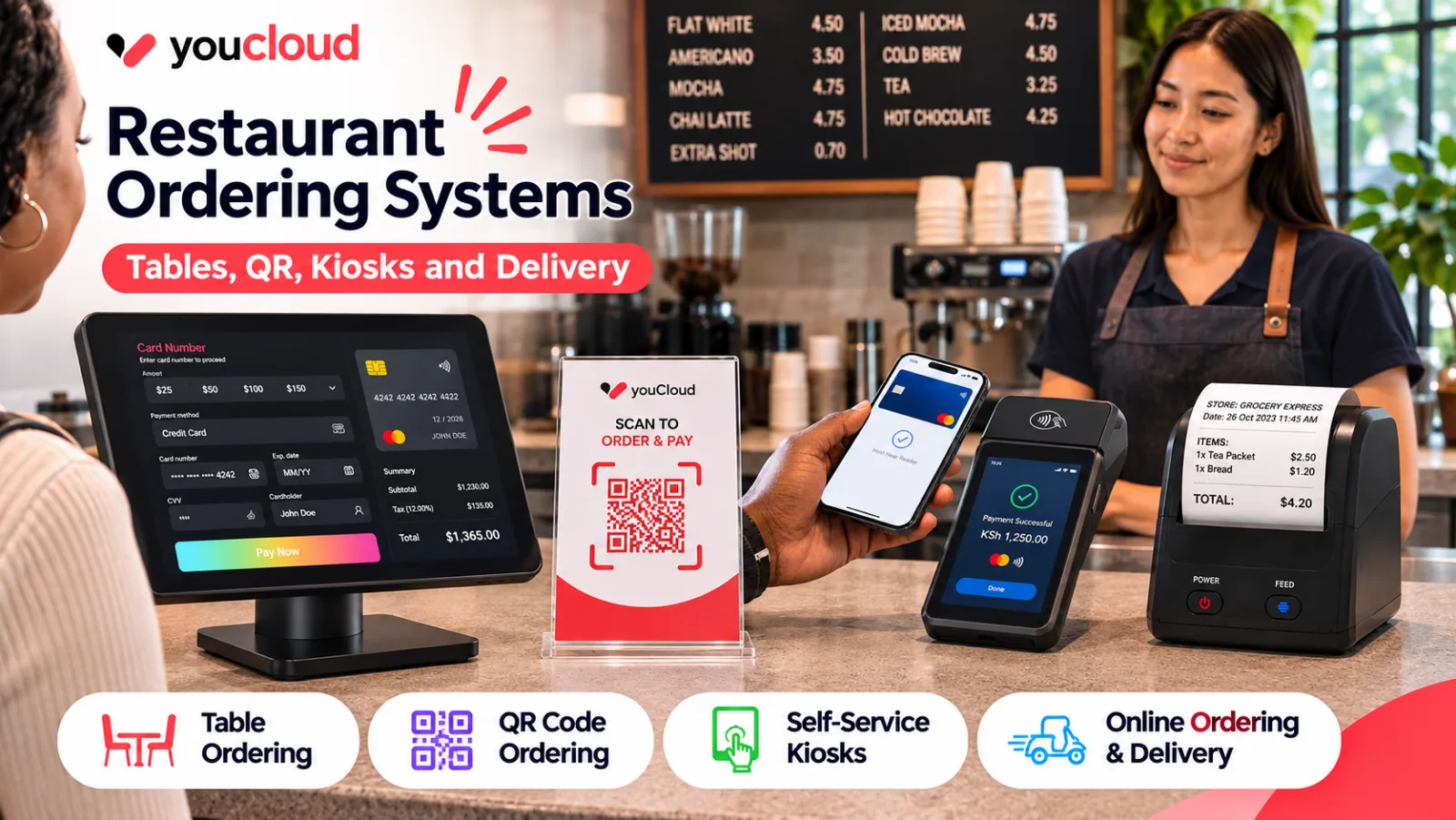
A restaurant ordering system should make it easier to serve guests, manage orders and keep the kitchen on track. However, many restaurants still use separate tools for table orders, takeaway and delivery. This creates extra work and increases the risk of mistakes.
Guests now want more ways to order food. Some prefer to order through a waiter, while others want to scan a QR code or use a kiosk. Meanwhile, delivery customers expect a smooth online experience.
The real challenge is not adding more ways to order. It is making them work together.
How a Restaurant Ordering System Connects Every Channel
A connected system brings orders from different sales channels into one workflow. Instead of checking several screens, your team can manage incoming orders from a shared platform.
For example, a dine-in guest orders a burger through a waiter. At the same time, another guest places an order through a QR menu. Both orders reach the kitchen with their details.
As a result, staff spend less time passing messages and more time serving guests.
1. Table-Side Ordering for Full-Service Restaurants
Table-side ordering allows staff to enter orders while speaking with guests. The kitchen can then receive the order without waiting for a handwritten ticket.
For instance, a guest may request a burger without onions or ask for extra sauce. Staff can add these notes when they take the order.
Table-side ordering helps restaurants:
- Reduce handwritten order errors.
- Send orders to the kitchen faster.
- Track orders against table numbers.
- Manage special requests.
- Handle split bills more easily.
Moreover, waiters can spend more time with guests instead of walking back and forth to the counter.
2. QR Code Menus and Self-Ordering
A QR code menu gives guests access to the menu on their phones. With self-ordering enabled, they can also select items and place orders without waiting for staff.
Unlike a printed menu, a digital menu for restaurants can reflect changes in prices, dishes and stock availability.
For example, when a dessert sells out, the restaurant can update the digital menu rather than inform each table separately.
QR ordering works well for cafés, casual dining outlets and busy food courts. However, staff should still be available to help guests who prefer personal service.
3. Self-Service Kiosks for Faster Counter Service
Self-service kiosks are useful for quick-service restaurants (QSRs) and cafés with heavy foot traffic.
Guests can browse food options, select extras and place orders through a touchscreen. They can also pay at the kiosk when the setup supports it.
For example, a guest ordering a meal can choose a drink, add fries or change the sauce before checkout.
As a result, kiosks can help reduce pressure on the counter during busy hours. They also give staff more time to prepare and hand over orders.
However, the kiosk menu must remain simple. Too many steps can slow guests down instead of making service faster.
4. Online Ordering and Delivery
A restaurant online ordering system helps businesses accept orders beyond their physical locations. Customers can order through a website, an app or a delivery platform.
Yet managing separate delivery tablets can create problems. Staff may need to enter each order into the main POS by hand.
Therefore, restaurants should look for ways to connect delivery orders with their kitchen workflow.
A connected setup can help teams:
- Reduce manual order entry.
- Keep track of delivery and pickup orders.
- Manage menu changes across supported channels.
- Monitor sales from different order sources.
In addition, direct online ordering gives restaurants another way to reach guests outside third-party delivery platforms.
Why Every Order Should Reach One Kitchen
Adding more order channels does not always improve service. If each channel has its own workflow, the kitchen can quickly become overwhelmed.
A restaurant order management system should help staff see what needs to be prepared, when it was ordered and where it needs to go.
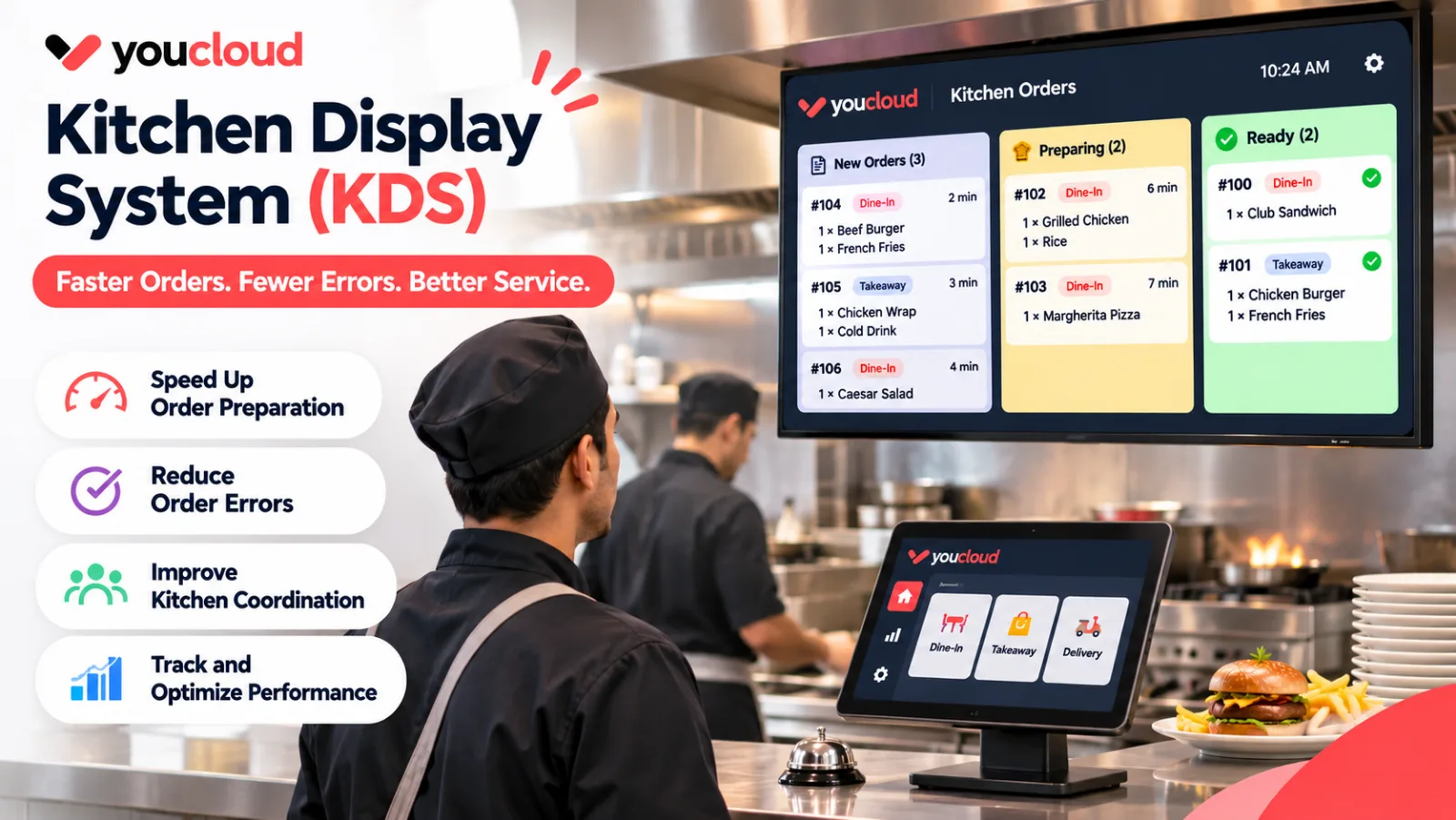
For example, a kitchen display system (KDS) can show dine-in, takeaway and delivery orders together. Staff can then manage food preparation and track order progress.
As a result, teams can reduce missed tickets and avoid preparing the same order twice.
What to Look for in a Restaurant Ordering System
Before choosing a system, review how your restaurant works during its busiest hours.
Look for features such as:
- Table-side and counter ordering.
- QR menu and self-ordering support.
- Kitchen display system integration.
- Online and delivery order management.
- Menu and item availability updates.
- Flexible payment options.
- Sales reports by order channel.
Also, check whether new ordering channels can be added as your business grows.
A small café may only need counter and QR ordering today. However, it may want to add kiosks or delivery services later.
Connect Restaurant Orders With youResto and youQR
Managing several ordering channels should not mean managing several disconnected systems.
youResto restaurant POS connects front-of-house orders, kitchen workflows, delivery integrations and payments.
Meanwhile, youQR supports digital menus and self-service ordering across table QR codes, kiosks and online channels. Available features depend on the selected plan and market.
Together, these tools help restaurants manage different ways of ordering through a connected platform.
Whether you run a café, a fast-food outlet or a full-service restaurant, the goal remains the same: fewer missed orders, smoother kitchen operations and a better guest experience.
Explore youResto to find an ordering setup that fits your restaurant.